am_noise_generator#
- am_noise_generator(xmod, spl_level, print_m=False)[source]#
Amplitude-modulated braodband noise generation
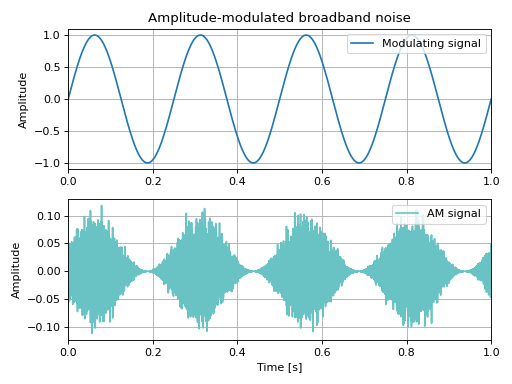
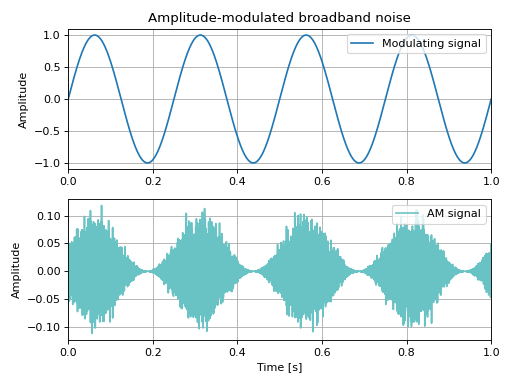
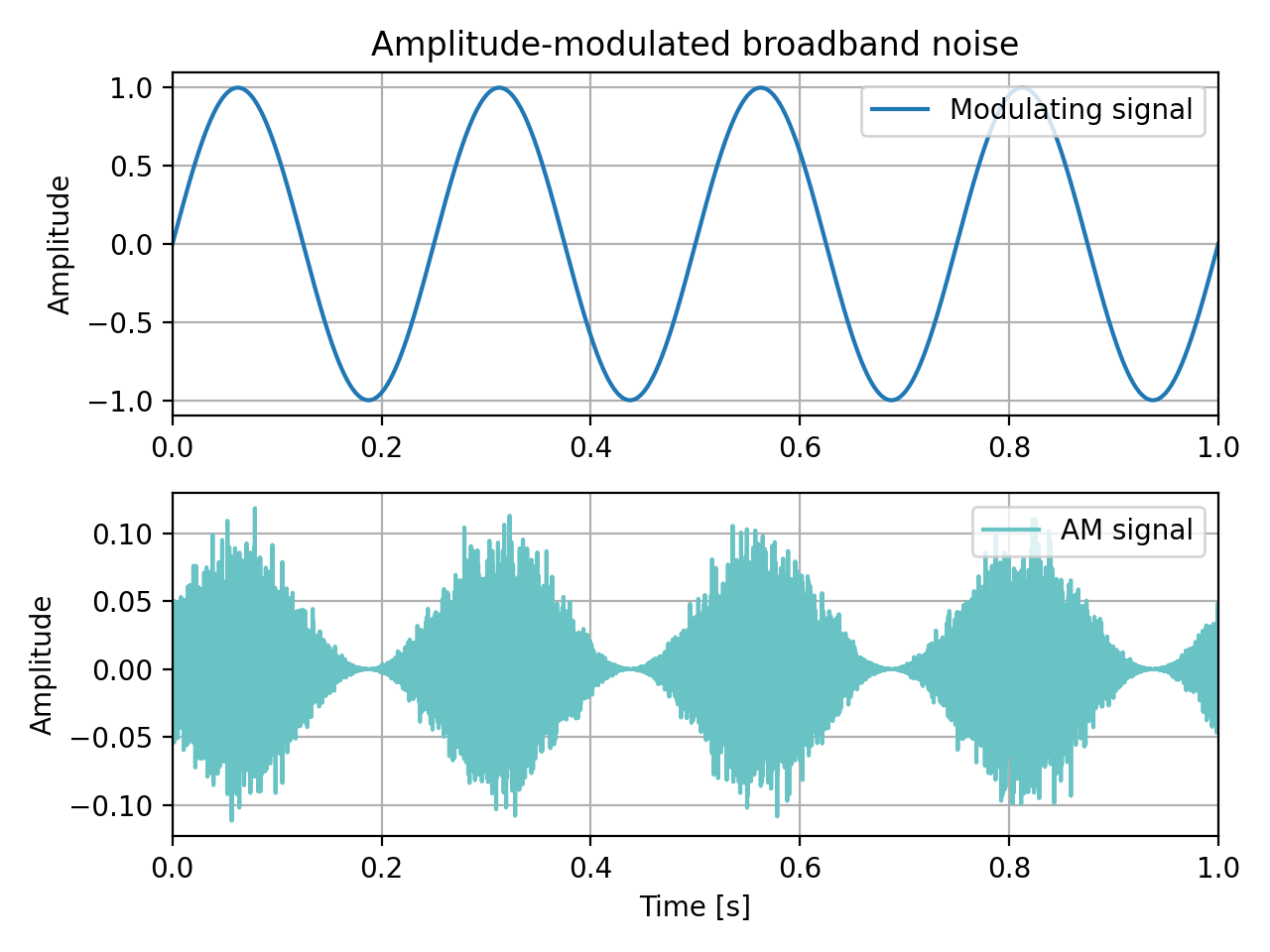
This function creates an amplitude-modulated (AM) signal with Gaussian broadband (noise) carrier and arbitrary modulating signal ‘xmod’. The AM signal length is the same as the length of ‘xmod’. The signal level is adjusted to ‘spl_level’ in dB.
- Parameters:
xmod (array) – Modulating signal, dim(N).
spl_level (float) – Sound Pressure Level [dB ref 20 uPa RMS] of the modulated signal.
print_m (bool, optional) – If True, calculated modulation index is printed. If False, the modulation index is printed only in case of overmodulation (m>1) Default is False.
- Returns:
y_am (numpy.array) – Amplitude-modulated noise signal in Pascals, dim(N).
m (float) – Modulation index
Warning
spl_level must be provided in dB, ref=2e-5 Pa.
See also
am_sine_generatorAmplitude modulation with sine wave carrier
fm_sine_generatorFrequency modulation with sine wave carrier
sine_wave_generatorSine wave generation
Notes
The modulation index ‘m’ will be equal to the peak value of the modulating signal ‘mod_signal’. Its value can be printed by setting the optional flag ‘print_m’ to True.
For ‘m’ = 0.5, the carrier amplitude varies by 50% above and below its unmodulated level. For ‘m’ = 1.0, it varies by 100%. With 100% modulation the wave amplitude sometimes reaches zero, and this represents full modulation. Increasing the modulating signal beyond that point is known as overmodulation.
Examples
>>> from mosqito.utils import am_noise_generator
>>> import matplotlib.pyplot as plt
>>> import numpy as np
>>> fs = 48000
>>> duration = 1
>>> t = np.linspace(0, duration, int(duration*fs))
>>> dB = 60
>>> fm = 4
>>> xmod = np.sin(2*np.pi*t*fm)
>>> y_am, MI = am_noise_generator(xmod, dB, True)
>>> fig, plots = plt.subplots(2, 1)
>>> plots[0].set_title('Amplitude-modulated broadband noise')
>>> plots[0].plot(t, xmod, 'C0', label='Modulating signal')
>>> plots[0].legend(loc='upper right')
>>> plots[0].grid()
>>> plots[0].set_ylabel('Amplitude')
>>> plots[0].set_xlim([0, duration])
>>> plots[1].plot(t, y_am, '#69c3c5', label='AM signal')
>>> plots[1].legend(loc='upper right')
>>> plots[1].grid()
>>> plots[1].set_ylabel('Amplitude')
>>> plots[1].set_xlim([0, duration])
>>> plots[1].set_xlabel('Time [s]')
>>> fig.set_tight_layout('tight')
(
Source code,png,hires.png,pdf)